What to do with 2,000 notes you never open
Filed under Guide
By Gerald · 4 September 2026

I opened my note app one afternoon, searched nothing, and just scrolled. Meeting notes from a job I left three years ago. A recipe I never cooked. Forty variations of the same half-formed business idea. Two thousand notes, and I could not tell you where ninety percent of them were without the search bar.
That is not a second brain. It is a storage unit you keep paying rent on, except the rent is the low background dread of knowing it is there and the small delay every search takes wading through it.
Here is the fix, and it takes one evening, not a weekend: sort by retrieval value, not by category, delete without guilt once you have one export, and stop the pile from rebuilding the same way it built up the first time.
A note you will never search for again is not a memory. It is clutter wearing memory's clothes.
Why reorganising makes it worse
The instinct when a pile gets big is to build a better filing system. New folders, a fresh tagging scheme, maybe a weekend spent moving things into a PARA structure. This feels productive. It is actually the same trap that built the pile in the first place.
Reorganising thousands of old notes means reading thousands of old notes, deciding on a category for each one, and doing that decision-making work for material you have not needed in years. You spend real hours and end up with the same notes, just filed slightly differently. The pile is still there. You have just made it feel more organized without making it more useful.
The actual problem was never the filing. It was that most of what is in there will never be opened again, regardless of what folder it sits in.
The only test that matters: will you search for this
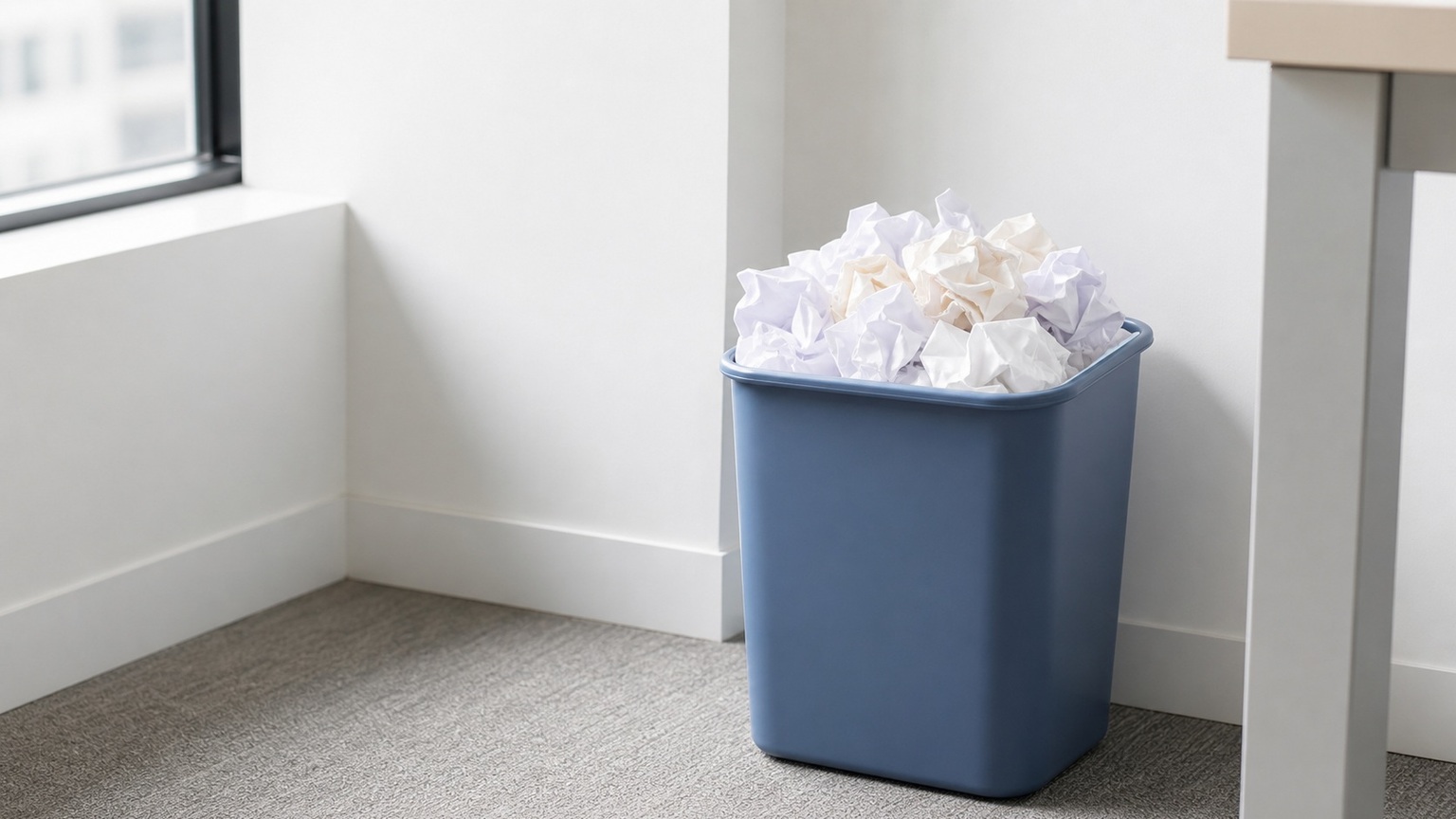
Before you touch a single note, apply one test to the whole archive at once: will future me ever search for this again.
Most of what accumulates in a note app fails this test immediately. A meeting note from a job you left. A half-finished thought you abandoned within a day. A saved article you skimmed once. None of these are memories you will retrieve. They are just things you once thought were worth keeping, at a moment when keeping things felt free.
A small slice passes the test clearly: your current tax records, an ongoing project's key decisions, a recipe you actually cook, a reference doc you open every few months. That slice is usually a fraction of the total pile, and it is the only part worth spending real filing effort on.
The test also tells you what not to worry about. If a note fails the retrieval test and you delete it by mistake, you have lost nothing you would have used anyway. That is the permission you need to move fast in the next step.
The one-evening triage pass
Do this in one sitting, in this order, and resist the urge to read every note carefully. You are triaging, not reminiscing.
- Sort your notes by last modified or last opened date, oldest first, if your app supports it. The oldest, least-touched notes are the highest-confidence candidates for the discard pile.
- Skim titles in batches of fifty. Do not open each note. A title tells you almost everything you need for this pass.
- Mark anything you recognize as clearly dead: a finished project, a job you left, an idea you abandoned. Batch-select and archive or delete these without opening them.
- For anything ambiguous, open it, read for ten seconds, and apply the retrieval test. If you hesitate more than a few seconds, archive it rather than delete it. Hesitation means you are not confident, and archiving is reversible.
- Whatever survives this pass is your real, current archive. It will be dramatically smaller than what you started with.
This works because most of the pile sorts itself in the first two steps. You are not making two thousand individual decisions. You are making a handful of batch decisions and reserving individual judgment for the small set that genuinely needs it.
What to archive instead of delete
Deleting and archiving are different moves, and conflating them is what makes people freeze during cleanup.
Archive when you are not sure, when a note has sentimental value even though you will not search for it, or when it documents something you might need for a specific future reason: a contract, a decision record, a past year's tax notes. An archive notebook or folder that you never browse but that exists as a safety net costs you nothing once it is out of your daily view.
Delete when a note is genuinely disposable: a duplicate, a stray thought with no lasting value, a saved link to a page that no longer matters. If the retrieval test fails and there is no sentimental or reference reason to keep it, delete it rather than archiving it. An archive that keeps everything is just the storage unit with a new label.
Taking an export first so deleting is safe
Do not delete anything until you have one verified export of your full archive sitting somewhere outside the app. This is not optional and it is not about trusting the software. It is about trusting your own triage decisions enough to move fast without a safety net you have to double-check every time.
Export everything, confirm the file actually opened and contains real content, and put it somewhere durable: a cloud drive folder, an external drive, wherever you keep things you do not expect to need but want to have. Once that export exists, every deletion in your triage pass is reversible in the worst case, and you can move through the pile at the speed the process actually needs.
Flow's account export produces a single zip with your notes, tasks, and captures in your choice of format before you touch anything, which is the kind of one-time safety net this step calls for regardless of which app you use.
Keeping the pile from rebuilding
The cleanup fails within a year if nothing changes about how new notes enter the system. Two habits stop the rebuild.
First, capture and file are different moments. Write a thought down fast, without deciding its permanent home in the same breath. Decide later, in a short weekly or monthly review, whether it is worth keeping at all. Most of the two thousand notes you just triaged were never reviewed after the day they were written. That is the actual root cause, not a missing folder structure.
Second, run a small recurring pass. Twenty minutes a quarter, applying the same retrieval test to whatever has accumulated since the last pass. A small archive stays small if you touch it occasionally. A large archive only happens when nothing gets reviewed for years at a stretch.
Frequently asked questions
Should I delete old notes or archive them? Delete anything genuinely disposable that fails the retrieval test and carries no sentimental or reference value. Archive anything you are unsure about or that documents something you might need later. When in doubt, archive rather than delete, since it costs nothing to keep something out of view.
How do I find duplicate notes? Sort by title or search for repeated key phrases if your app lacks a built-in duplicate finder. Most duplication comes from re-capturing the same idea on different days rather than an exact copy-paste, so an exact-match duplicate finder will miss a lot of it. A manual title skim during your triage pass catches more than a search tool will.
Is it worth reorganising thousands of old notes? Rarely. Reorganising asks you to make a filing decision for material you will likely never open again, which is real effort spent on the wrong problem. Triage by retrieval value first, and only organize the small slice of notes that survives.
How do I decide what to keep? Ask whether you will ever search for this note again. If the honest answer is no, it does not need active filing, whether you delete it or move it to an archive you will not browse day to day.
What should I back up before deleting anything? Everything, in one full export, before you start triaging. Confirm the export file actually opens and contains real content, then proceed knowing every deletion is reversible from that backup if you change your mind later.
Related reading
- a note system that survives real life
- naming notes you can find again
- tags and notebooks together
- getting a clean export out of Notion
- the PARA method, trimmed
- what a second brain is for
My verdict
Sort by whether you would ever search for it, not by what folder it deserves. Take one export before you delete anything. Spend one evening, not a weekend, and put a small recurring review in place so the pile does not quietly rebuild itself over the next three years.