
CI/CD for solo developers: the smallest pipeline worth having
Most CI advice assumes reviewers, staging environments, and a release manager. Alone, three checks catch nearly everything and the rest is waiting.
Practical how-to articles on notes, tasks, self-hosting, and the tools around them. Each guide walks through a real setup end to end, with the trade-offs stated plainly.
Most CI advice assumes reviewers, staging environments, and a release manager. Alone, three checks catch nearly everything and the rest is waiting.

An assistant connected to your tasks is good at three jobs and bad at the one everybody asks it to do first, which is deciding what matters.

The merchant of record question decides who is legally selling your software and who owes the tax. It is the most consequential pricing decision most solo sellers skip.

People quote hosting costs and ignore everything else. Here is the full monthly list for a real product, including the boring line items nobody puts in the launch post.

Freelance work fails differently from employed work: context switching between clients is the tax, and most note systems ignore it entirely.

Plenty of note apps run on Windows. Far fewer treat it as a first-class client, and you find out which is which on the day sync breaks.

A note archive nobody reads is not a second brain, it is a storage unit. Here is how to reduce it without spending a weekend reading your own old writing.

Most student note systems are judged during the lecture and fail three months later during revision. Optimising for the second moment changes what you write down.

Sorting tasks into four quadrants is satisfying and short-lived, because almost everything lands in the same box. There is a simpler rule that survives the week.

The classic weekly review takes two hours and almost nobody sustains it. This is the short version I have kept running for years, plus the recovery move for the weeks you miss.

Notion exports cleanly on paper. In practice you get hashed filenames, broken internal links, and databases turned into CSV, and all three are fixable.

Adding a connector to Claude takes about three minutes when it works and an afternoon when it does not. This walks the working path and the four failures that cause most of the confusion.

Every note app now has an AI panel. Two of those features change how you work and the rest are demos that get used once and never opened again.

Most meeting notes are a record of what was said, which nobody reads afterwards. The version that gets used records four things, and you can fill them in during the call.

Connecting an assistant to your data is a permissions decision, not a convenience one. Here is what a connector genuinely has access to and how to keep the risky parts out of reach.

Zettelkasten produces beautiful screenshots and a lot of abandoned vaults. Two of its ideas are worth keeping, and the rest was designed around the limits of paper.

Apple added native Markdown export, which fixed the worst part of leaving Apple Notes. It still does not solve attachments, scans, or moving thousands of notes at once.

PARA is the cleanest folder system anyone has proposed for digital notes. It still asks you to make a filing decision every single time, which is where most people quietly stop.

Connectors turn ChatGPT from a text box into something that can read your actual files and tasks. The setup is simple, the limits are not obvious until you hit them.

GTD has three ideas that hold up and a lot of apparatus that does not. This is the stripped version, and a straight account of what you give up by stripping it.

There are hundreds of MCP servers now and most of them are demos. These are the categories that changed how I work, and the ones I removed after a week.

Search only finds what you wrote down in words you would search for. Most note titles fail that test, which is why the search box feels broken.

People keep trying to make ChatGPT hold their knowledge. It is a good reader and a poor filing cabinet, and the difference matters more than any prompt trick.

Exporting Evernote is straightforward until you hit the per-export limits or discover what ENEX does to your attachments. This is the order to do it in.

MCP keeps getting described as USB-C for AI, which explains nothing useful. Here is what a connector really does once it is running, and when it earns the setup time.

The hardest part of leaving Notion is not the export. It is deciding what you actually need the new system to do, and what you were only maintaining because the old system made it possible.

The task manager market is dominated by subscriptions. The no-subscription options are fewer and quieter, but they exist. Here is what they actually deliver for someone who wants a durable personal system.
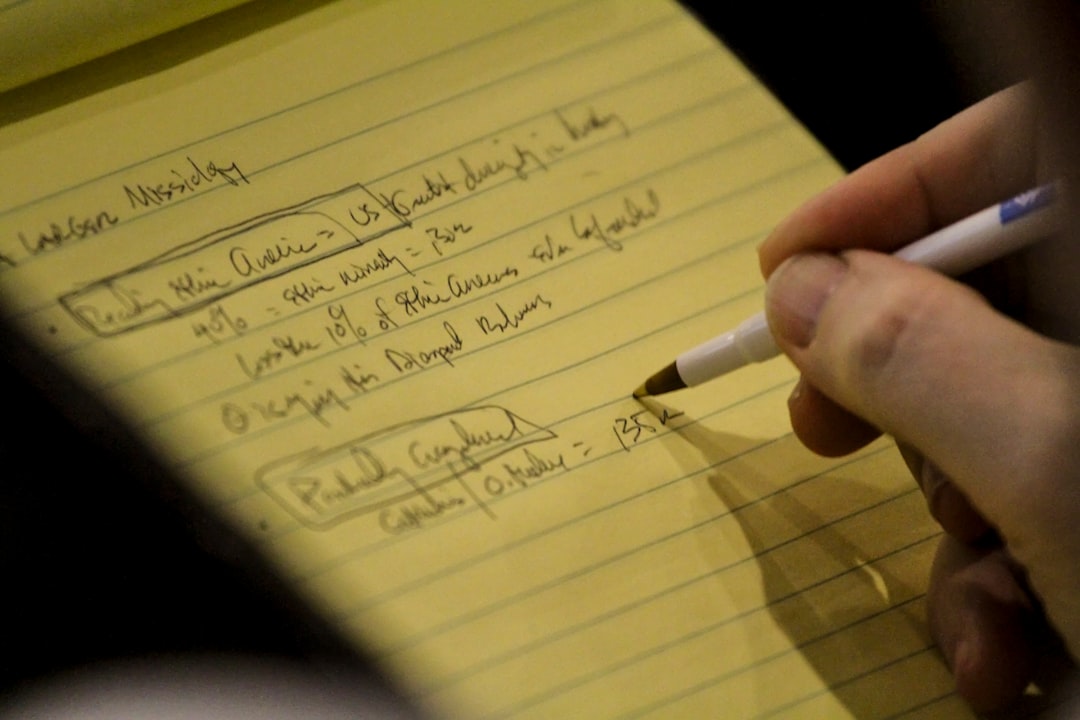
The gap between the note where an idea was born and the task that eventually executes it is where most context disappears. Closing that gap does not require a complex system.

A capture inbox is the highest-leverage, lowest-friction habit in personal productivity. The trick is keeping it simple enough that you still use it on the days when you are already behind.

Self-hosting your notes and tasks sounds like the right principle until you realise it usually means learning infrastructure on the side. There is a version that gives you the control without the operations burden.

Subscriptions add up fast when you are bootstrapping. Here are developer tools you can buy once and keep, plus where subscriptions still make sense.

Almost nobody talks about tags, and they are the most underrated feature in note-taking. A small, consistent tag standard is what makes a second brain searchable, for you and for your AI.

Here is the complete tech stack I use to build Flow, why each tool was chosen, what it costs, and what I would do differently.

Choosing a payment gateway for your SaaS should match your stage, not your ambition. Here are the best options mapped by what you actually need.

React Server Components are powerful but poorly explained. Here is what they actually do, when they help, and when they are noise you can ignore.

Solo founders do not need enterprise Git workflows. Here is the simplest branch strategy that keeps your code safe without adding overhead.

Resend is built for developers running lean teams. Here is how to set it up, monitor deliverability, and make it work for your startup.

Choosing a transactional email API should not be guesswork. Here are the best options in 2026, mapped by what your team actually needs.
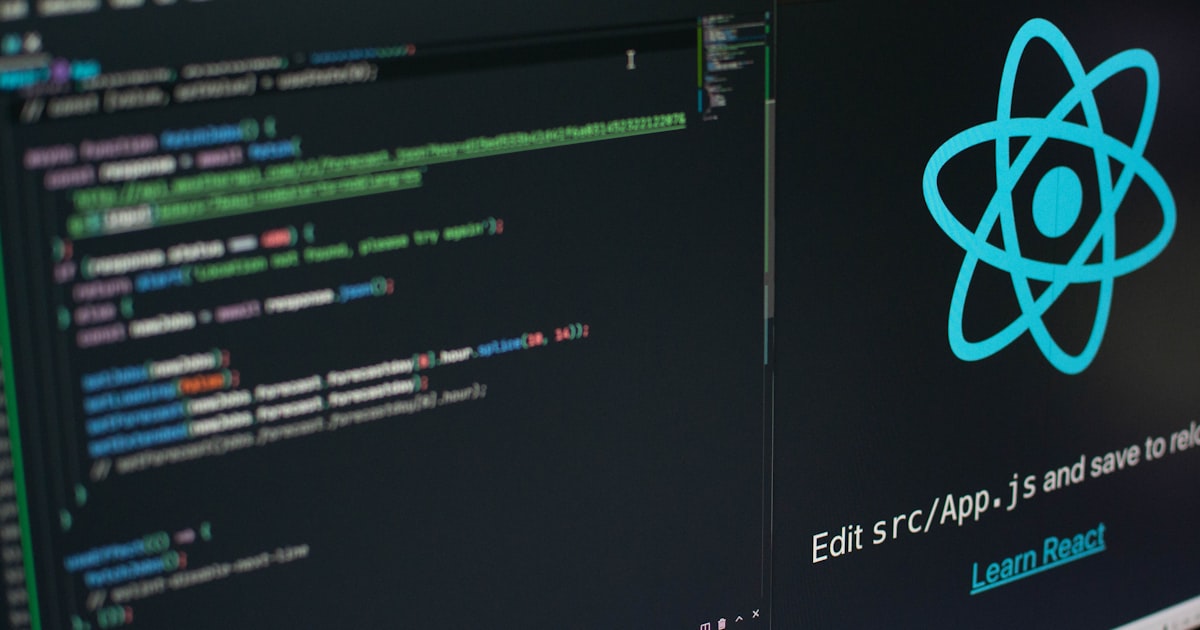
Deploying a React app should not cost money to start. Here is a step-by-step guide to free hosting on the three best platforms.

Netlify defined Jamstack hosting, but it is not the only option. Here are honest alternatives mapped by what you actually need.

Move notes from another app into Flow with an Excel template. This guide explains each column, the accepted values, and what does not carry across.

Supabase is not the only way to get a modern backend. Here are the honest alternatives, mapped by what you actually need.

Your brain is for thinking, not storage. A second brain system captures ideas and tasks externally so you can focus on what matters.

Convex is a reactive backend for TypeScript apps. Here is what that means in plain terms, and when it is the right choice.